See real QA work before you hire.
Mia Calloway
Senior Automation Engineer, Web Test Automation
Recommended
Strong selectors, waits and isolation; found 2 of the 3 planted bugs.
86%Overall score
Integrity
Low risk
- Left the assessment once, for about 3 minutes
- Pasted nothing after coming back
AI usage
Worked independently
Asked QaBot, the built-in AI assistant, one quick question.
MiaHow do I run just one test file?
QaBotPass its name to the command: npx playwright test raise-within-stock.spec.ts
Scored on 7 criteria
The task: Playwright tests for a shopping-list feature with 4 requirements and 3 planted bugs.
All 4 requirements are checked by Mia’s 15 tests.
- Add a product to a list4 testsCovered
- Raise a quantity up to the stock available3 testsCovered
- Keep the quantity entered last, also after a reload7 testsCovered
- Delete a list1 testCovered
Requirements covered
All 4 requirements are checked by Mia’s 15 tests.
- Add a product to a list4 testsCovered
- Raise a quantity up to the stock available3 testsCovered
- Keep the quantity entered last, also after a reload7 testsCovered
- Delete a list1 testCovered
Reliable element identification
Mia’s locators find every button and menu the way a user sees them: by kind and label, never by position or styling.
Mia’s code · tests/support/lists.ts
this.productMenu = this.root.getByRole('combobox', { name: 'Product' });
this.addButton = this.root.getByRole('button', { name: 'Add', exact: true });
this.deleteButton = this.root.getByRole('button', { name: 'Delete list' });
Waits and page state
Mia’s tests wait until the page shows “All changes saved” before checking anything.
Mia’s code · tests/support/lists.ts
async open(): Promise<void> {
await this.page.goto('/');
await expect(this.root).toBeVisible();
await this.expectAllSaved();
Lines left out
async expectAllSaved(): Promise<void> {
await expect(this.status).toHaveText('All changes saved', { timeout: 10_000 });
Data and test isolation
Each of Mia’s tests creates its own list and deletes it afterwards, even when the test fails.
Mia’s code · tests/support/lists.ts
const name = `QA ${testInfo.testId} ${Date.now()}`;
const listId = await listsApi.create(name);
await use(new ListCard(page, listId, name));
await listsApi.deleteIfExists(listId);
The test runs at use(…); the line after it runs even if the test fails.
Maintainability
Mia’s code is clear and well organized, but six near‑identical tests are written out one by one.
Mia’s code · tests/quantity-entered-last.spec.ts
await listsApi.setQuantity(list.listId, hub, 1);
await list.open();
await list.enterQuantities(hub, ['5', '2']);
await list.expectLine(hub, 2);
await list.reload();
await list.expectLine(hub, 2);
These steps are repeated in all six tests.
Test correctness and reliability
Mia’s tests catch real bugs, but her notes blame three failures on the wrong cause, and she ran no check to confirm it.
Mia’s notes · RESULTS.md
Cause of failures 1–3: hidden
The evaluation found the real cause: hidden
Bugs found
Mia’s tests found 2 of the 3 bugs planted in the application.
- Bug 1hiddenFound
- Bug 2hiddenFound
- Bug 3hiddenMissed
The scores and evidence come from a real evaluation of a simulated candidate’s work.
How it works
Tell us who you’re hiring
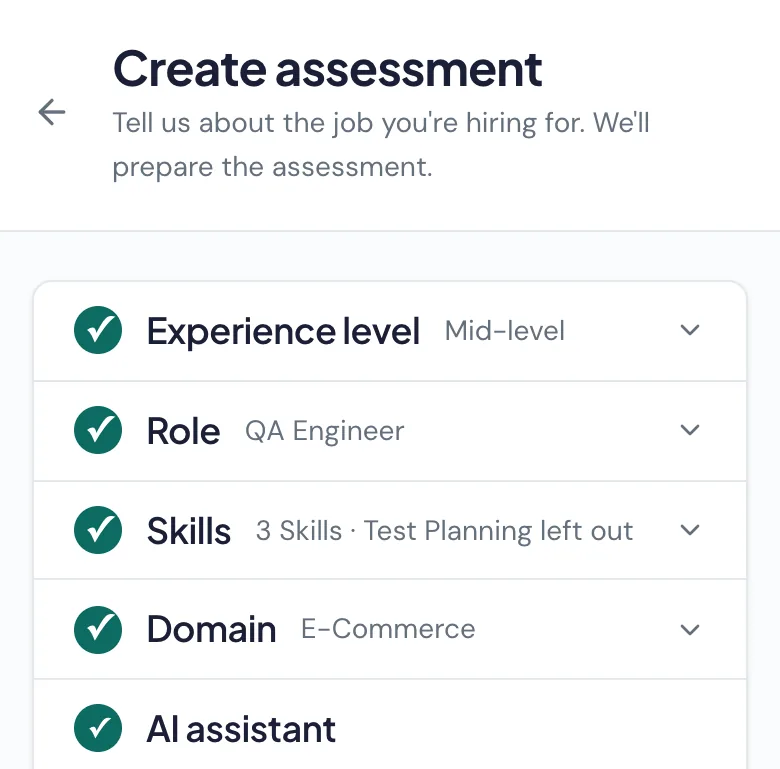
Choose the role, experience level, skills and tools. QAVetted builds the assessment for you.
Invite your candidates
Candidates complete the assessment online on their own, or in a Live Interview with your team.
Decide with evidence
AI scores the work, cites the evidence and recommends whether to hire. You decide who moves forward.
Candidates do real QA work
Candidates work on functioning software, with practical tasks matched to the role:
Write UI automation tests
Write API automation tests
Find and report bugs
Design test cases
Plus questions on technical knowledge and workplace judgment.
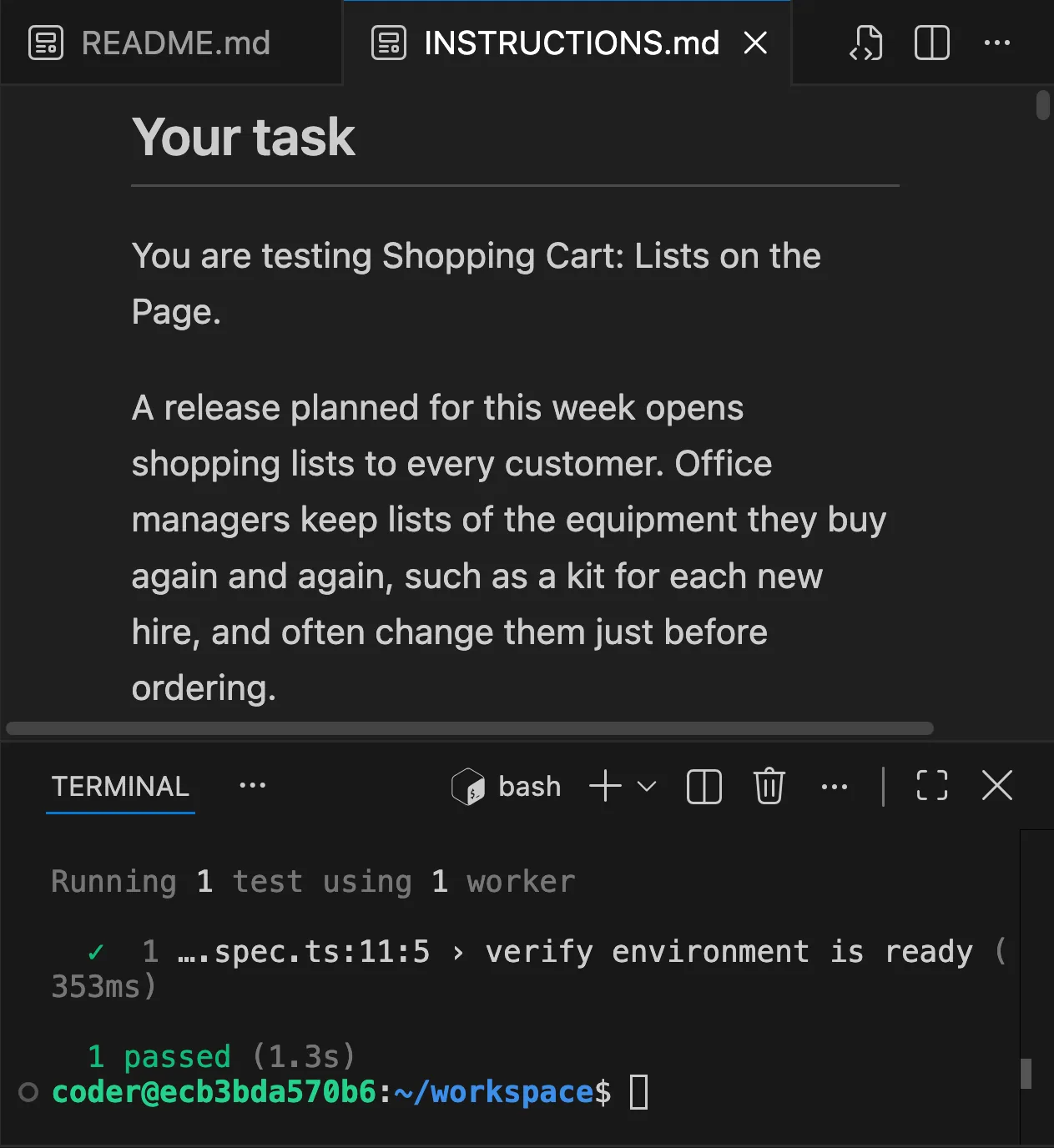
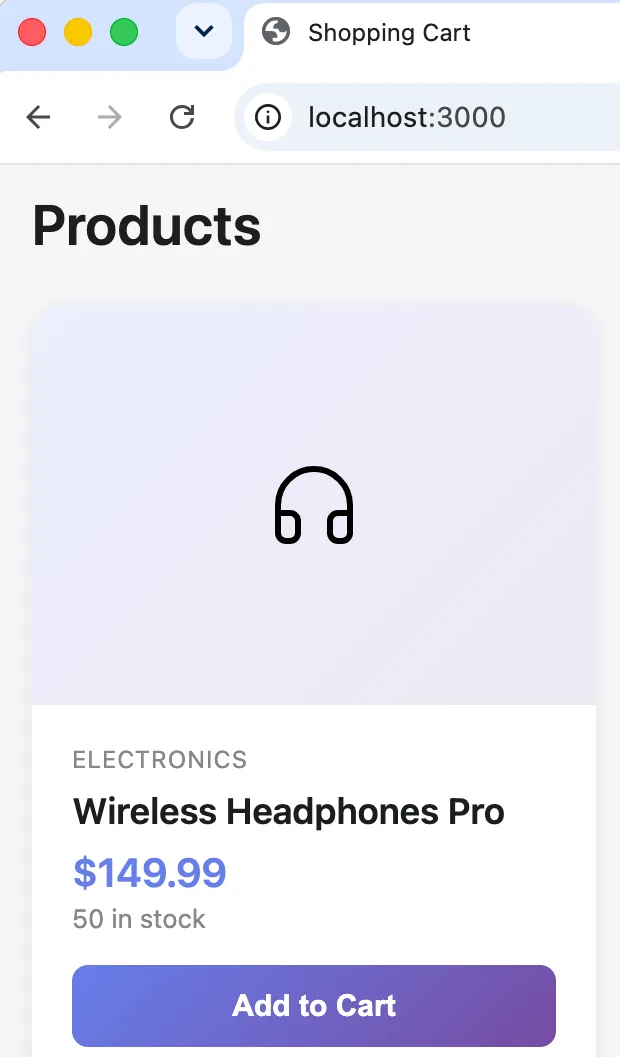
The IDE where candidates write tests, and the application they test. An assessment built for your role
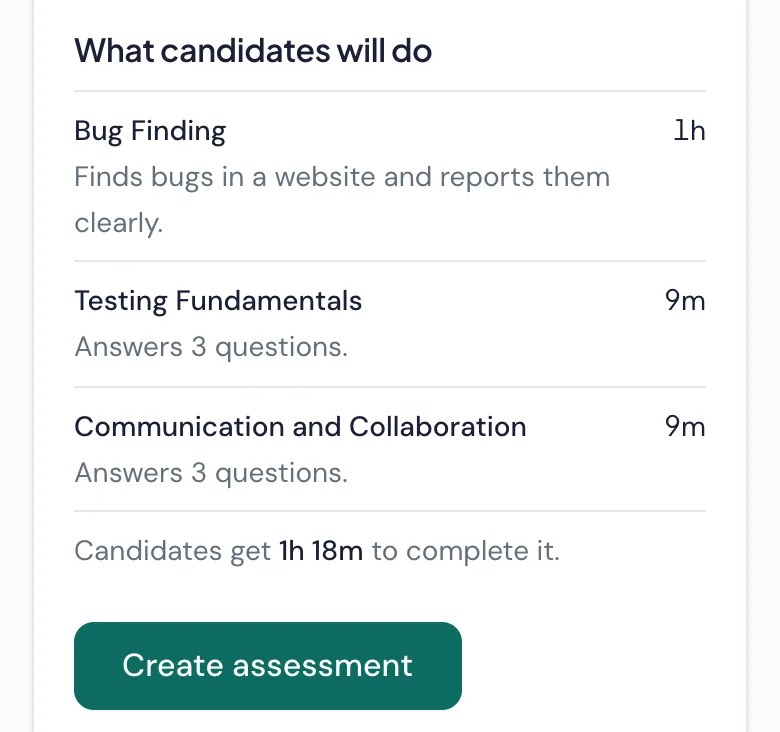
QAVetted builds the assessment from your role requirements; you review it and invite candidates.
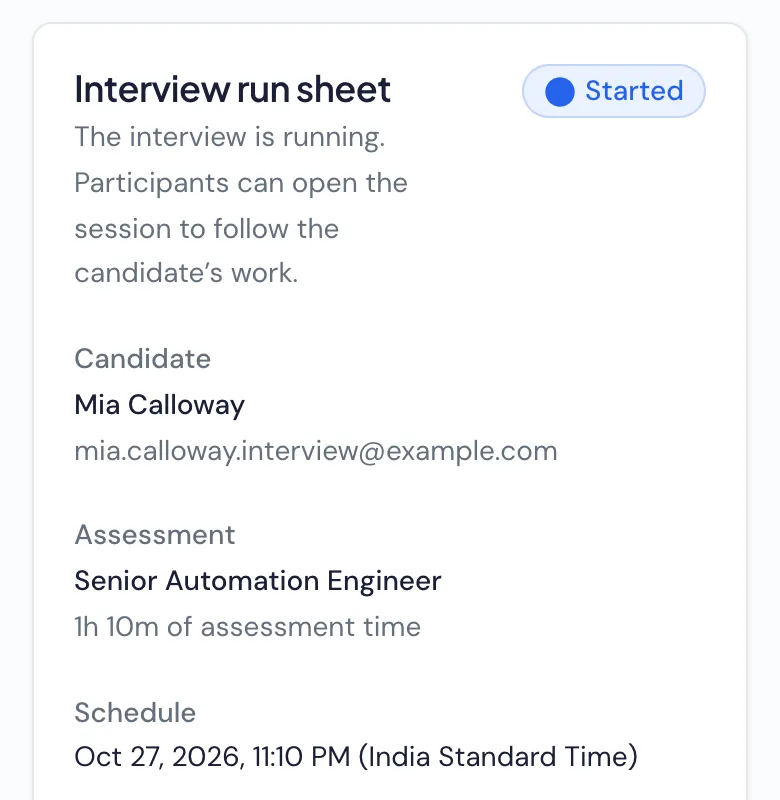
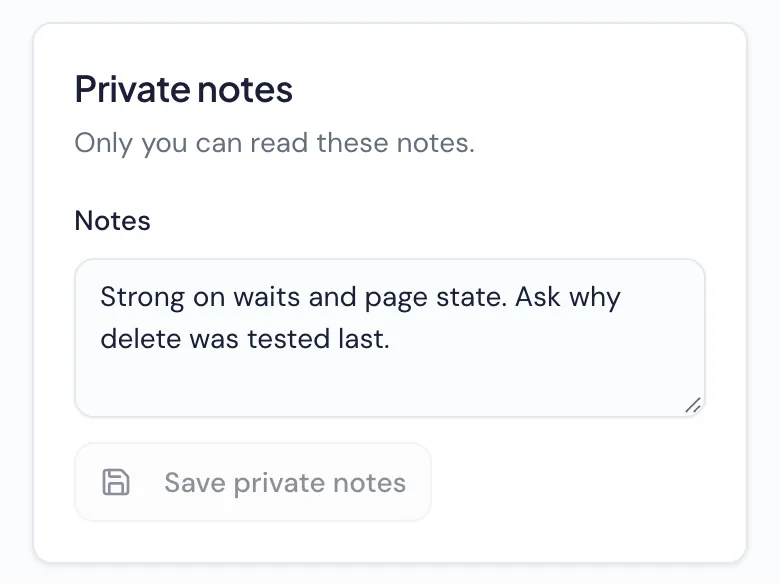
Interview in the candidate’s workspace
Join the candidate’s practical workspace, discuss their approach on your usual video call and keep private notes. Your team leads the interview; QAVetted evaluates the submitted work.


Assess the work without cameras or screen recording
What we collect
Assessment answers and submitted work
AI assistant conversations, when enabled
Tab switches, inactivity and pastes into the assessment’s editors
What we never collect
Camera or microphone recordings
Screen recordings
Keystrokes
This activity informs the report’s integrity level, for you to review. It never rejects a candidate on its own.
Questions, answered
Try QAVetted on your next QA hire
Assess candidates on real testing work and review their scores and evidence with your team.
- Private preview
- Free for 7 days
- 10 candidate attempts
- No card required